Email + LinkedIn campaigns
Emails and LinkedIn steps in one sequence — each lead gets the steps of the channels you have for them.
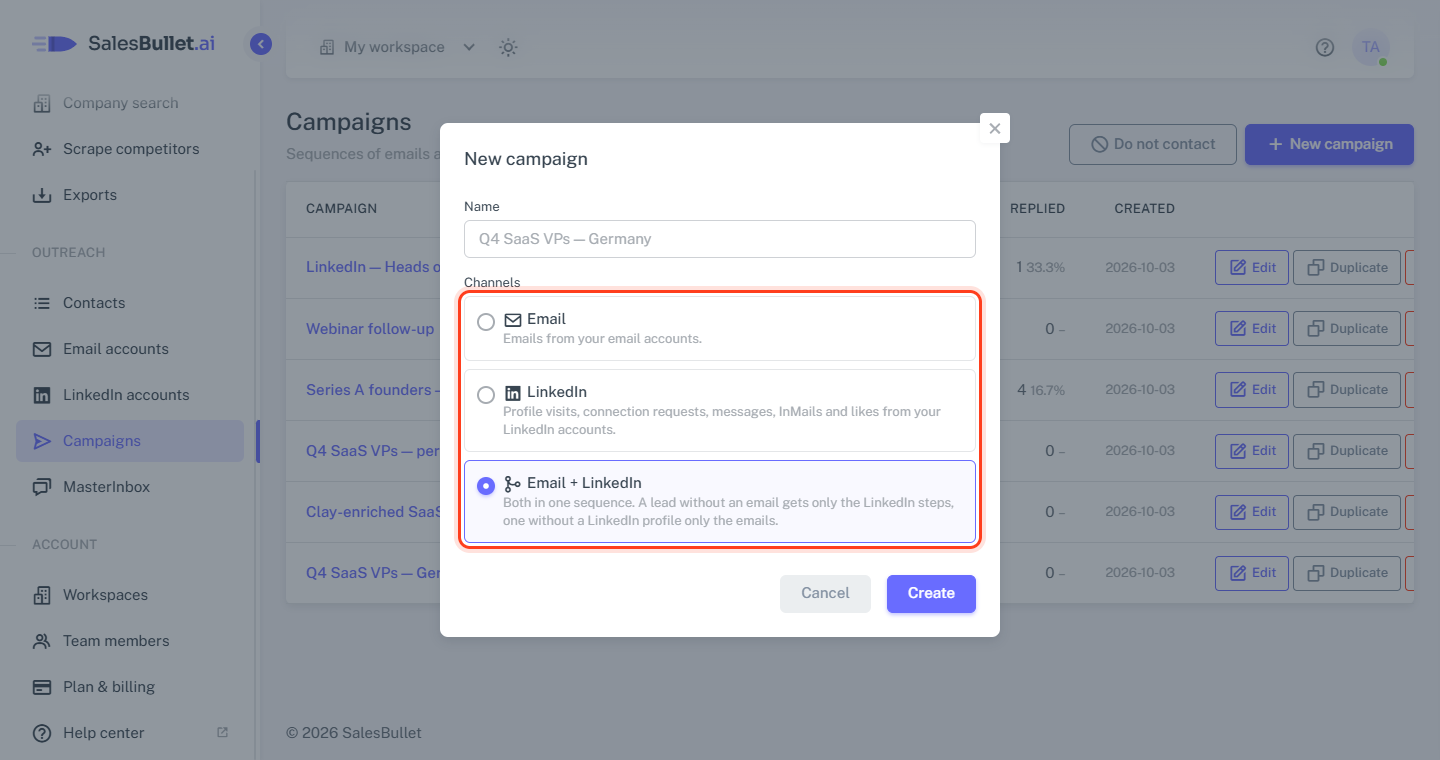
A campaign's channels are set once, when you create it: on Campaigns, click New campaign, give it a name and pick Email, LinkedIn or Email + LinkedIn under Channels.
An Email + LinkedIn campaign works from both kinds of account — tick them on its Options tab.
The sequence it starts with
A new Email campaign starts with an empty email. The other two start with a ready-made flow; only the messages are left to write:
| Email + LinkedIn | ||
|---|---|---|
| Step 1 | Visit profile | Visit profile |
| Step 2 | Email, 1 day after step 1 | Connection request, 1 day after step 1 |
| Step 3 | Connection request, 2 days after step 2 | LinkedIn message only if connected, up to 7 days after step 2 |
| Step 4 | LinkedIn message only if connected, up to 4 days after step 3 | LinkedIn message only if connected, up to 4 days after step 3 |
| Step 5 | Email only if not connected, 1 day after step 4 |
A message only if connected goes as soon as they accept. Step 5's email has no subject, so it goes as a reply in the first email's thread. Until the messages are written, the campaign lists them above its tabs — "Step 4 has no message (Sequence)." Change the steps as you like: LinkedIn steps in a campaign.
Each lead gets its own channels
A lead with an email address and a LinkedIn profile gets every step. With only an email, it gets only the emails; with only a LinkedIn profile, only the LinkedIn steps. The steps a lead can't get still count their waits, so its messages keep the sequence's pace — an email-only lead's second email doesn't come early. Contacts with neither aren't added — and a LinkedIn campaign takes only contacts with a LinkedIn profile.
Someone without LinkedIn is never connected, so emails Only if not connected on LinkedIn go to them and emails Only if connected on LinkedIn don't.
A LinkedIn profile means a linkedin.com/in/… address — a Sales Navigator or company link doesn't count.
People without an email
Contacts can be for LinkedIn only, with no email or phone number:
- Lead search → Add to contacts: tick Also add people without a verified email — for LinkedIn only.
- Scrape competitors → Add to contacts: tick Also add the … without a verified email — for LinkedIn only.
- A CSV file: a row with a LinkedIn profile URL and no email.
They show LinkedIn only in your lists. Email campaigns leave them out; the other two give them the LinkedIn steps.
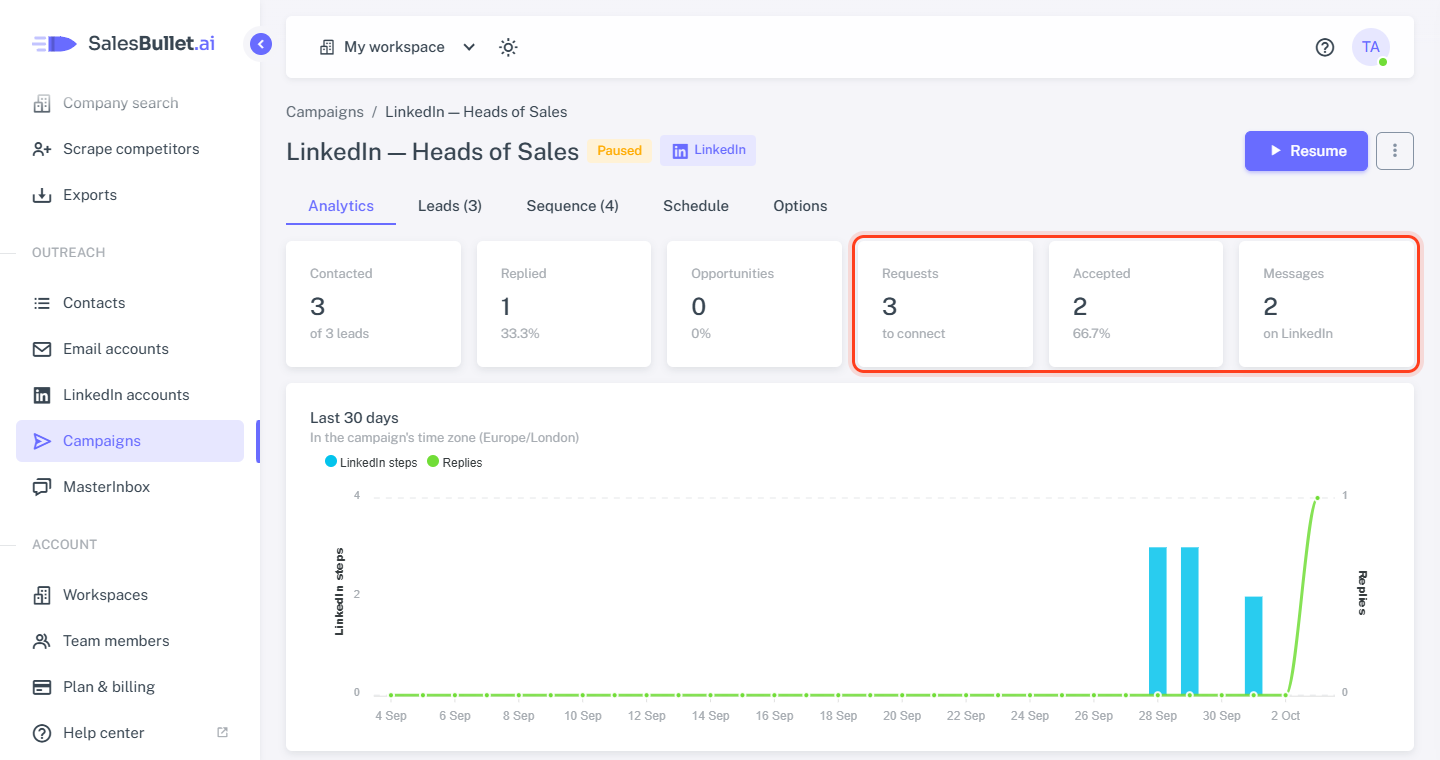
LinkedIn in Analytics
The campaign's Analytics tab adds Requests (connection requests sent), Accepted (and their share of the requests) and Messages (LinkedIn messages and InMails). Contacted, Replied and Opportunities count both channels, and the chart shows the LinkedIn steps done each day. In the table of steps, Done leaves out the skipped ones, and a LinkedIn reply counts for the last LinkedIn step before it.